Desktop vs Laptop: Which One Fits Different Types of Users?
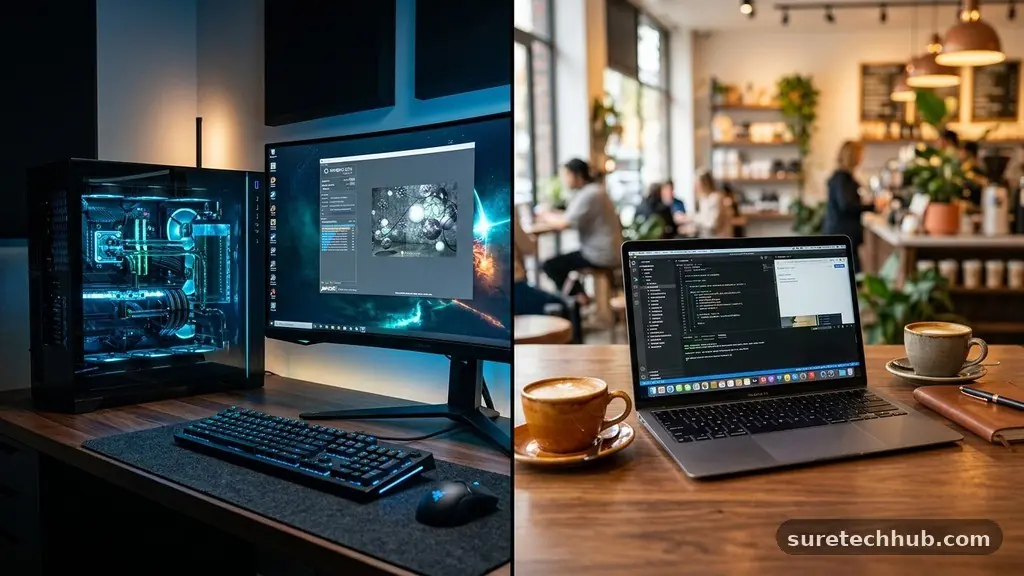
Choosing between a desktop and a laptop is a fundamental decision that shapes how you interact with technology every day. Many people struggle with the desktop vs laptop debate because both form factors offer distinct advantages depending on whether your priority is raw power, portability, or long-term value.
Understanding the specific trade-offs regarding hardware lifespan, ergonomics, and mobility will help you make a choice that actually supports your lifestyle rather than hindering it. This article breaks down the technical and practical differences to ensure your next computer purchase aligns perfectly with your personal or professional needs.
The Core Differences in Performance and Power
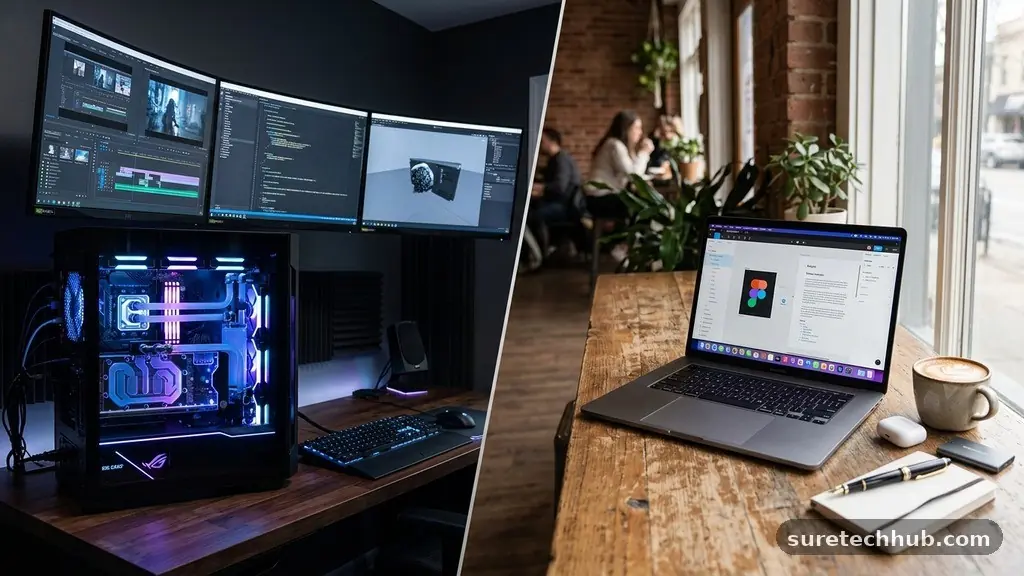
When evaluating the desktop vs laptop performance gap, the biggest factor is thermal management. A desktop tower has plenty of physical space for large heatsinks, multiple fans, and efficient airflow.
Because of this, desktop processors often maintain higher sustained clock speeds compared to their mobile counterparts. A high-end desktop CPU can handle intensive tasks like 4K video rendering or complex data compilation for hours without needing to throttle its speed to prevent overheating.
Laptops, by contrast, must cram all those components into a thin chassis. Engineers have made massive strides in mobile chip efficiency, but physics still dictates that a smaller, enclosed space will trap more heat.
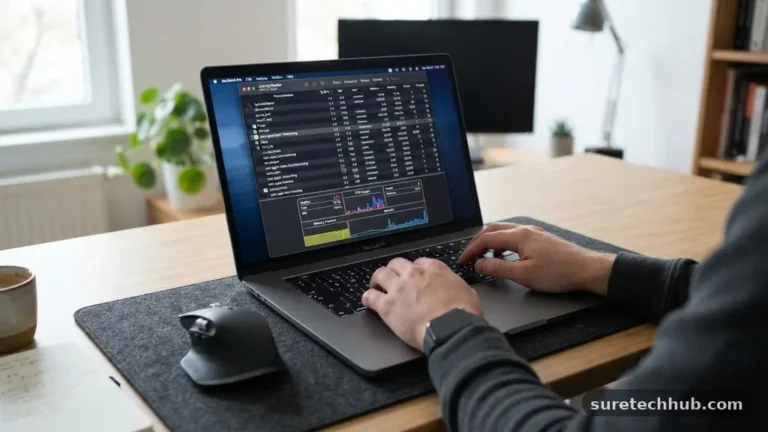
When a laptop gets too hot, the system automatically slows down—a process known as thermal throttling—to protect the internal components. If you are a power user who constantly runs heavy workloads, you will likely notice that a desktop remains consistent, whereas a laptop might fluctuate in speed during long sessions.
The modular nature of a desktop also means you aren’t stuck with the initial performance ceiling. You can easily add more RAM, swap out a graphics card, or install additional storage drives as your needs grow over the next five years.
Most modern laptops are effectively sealed units; you might be able to upgrade the RAM, but the processor and GPU are permanently soldered to the motherboard. If you want a machine that stays relevant through hardware upgrades, the desktop is the superior choice for longevity.
Mobility and the Modern Workspace
The most obvious advantage of a laptop is its inherent portability. For students, digital nomads, or anyone who splits their time between a home office and a coffee shop, the ability to pack a computer into a bag is non-negotiable.
Laptops provide a self-contained environment, including the screen, keyboard, and trackpad, which allows you to set up a workspace in seconds. This flexibility is the primary reason why laptops have become the standard for modern business operations.
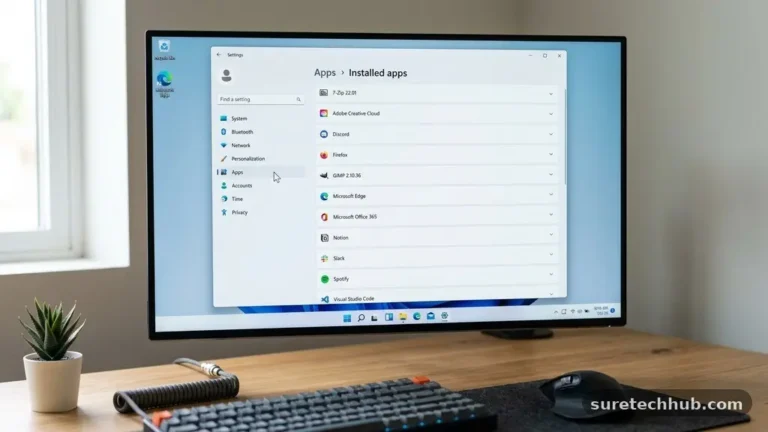
Desktops are stationary by design, but they offer an ergonomic advantage that laptops struggle to match. With a desktop, you can choose a large, high-resolution monitor that sits at eye level, which is much better for your neck and posture during long work sessions.
You can also pair it with a mechanical keyboard or an ergonomic mouse, customizing your desk setup to be as comfortable as possible. While you can connect a laptop to an external monitor and keyboard, it essentially turns your portable machine into a stationary one, negating the primary reason you likely bought it.
Businesses often choose laptops for their employees because they facilitate a hybrid work model. If an employee needs to move from their desk to a conference room or travel for a client meeting, they can take their entire digital life with them.
This seamless transition is something a desktop cannot replicate. For those who value the freedom to work from anywhere, the minor trade-off in raw power is usually a price worth paying for the convenience of a mobile device.
Cost Efficiency and Value Over Time
Price is often the deciding factor for many buyers, and the desktop vs laptop value equation is surprisingly nuanced. Generally, a desktop PC will give you more performance for every dollar spent.
Because the components are standard-sized and don’t require the complex miniaturization needed for laptops, manufacturers can sell desktop hardware at a lower price point. You can often build or buy a desktop that outperforms a laptop costing significantly more.
However, you must account for the “hidden” costs of a desktop setup. When you buy a laptop, the screen, webcam, battery, and input devices are already included in the price.
With a desktop, you must purchase a monitor, keyboard, mouse, and often a set of speakers or a webcam separately. If you are starting from scratch, these peripherals can easily add $200 to $500 to your total budget.
The lifespan of these devices also plays into the total cost of ownership. Desktops are much easier to repair; if a power supply dies, you can buy a replacement for $80 and swap it out in ten minutes.
If a laptop motherboard or screen fails, it often requires a professional repair that could cost as much as a new entry-level machine. If you want a computer that lasts for six or seven years with minimal maintenance, a desktop is almost always the more economical choice in the long run.
| Feature | Desktop | Laptop |
|---|---|---|
| Portability | None | High |
| Upgradability | High | Very Low |
| Ergonomics | Excellent | Poor (without accessories) |
| Power Efficiency | Lower | Higher |
| Repairability | High | Low |
Choosing Based on Your Specific User Profile
Your daily habits should dictate the hardware you choose. If you are a creative professional, such as a video editor or a 3D animator, you likely need the sustained performance and extra storage capacity of a workstation-class desktop.
These users often require multiple monitors to manage their timelines and assets, which is a setup that is cumbersome to replicate with a single portable device. The ability to keep the system cool while rendering for several hours is a critical feature for high-end production.
For the average student or office worker, a laptop is almost always the better fit. The ability to take notes in a lecture hall or present work in a meeting room is invaluable.
Most modern productivity applications, such as word processors, web browsers, and spreadsheet software, do not require the massive power of a high-end desktop. A mid-range laptop will handle these tasks with ease and provide the flexibility needed for a dynamic lifestyle.
Gamers fall into a unique category that sits right in the middle. While gaming laptops have become incredibly powerful, they are often loud, run hot, and have limited battery life when playing intensive titles.
A gaming desktop allows for a much more immersive experience with larger screens and better cooling, but it locks you into one location. Many gamers eventually opt for a “dual-setup” strategy: a powerful desktop for the main gaming rig and a budget-friendly laptop for light tasks and web browsing.
- Students: Prioritize portability and battery life for campus travel.
- Creative Pros: Need high-performance CPUs, dedicated GPUs, and massive storage.
- Business Owners: Require reliability, portability, and the ability to work from anywhere.
- Gamers: Benefit from the upgradeability and superior cooling of a desktop tower.
- Home Users: Often prefer the simplicity of an all-in-one or a basic laptop for media consumption.
The Role of Wireless Technology and Connectivity
Connectivity has changed how we view the desktop vs laptop debate. Modern laptops are designed to be “always connected” via Wi-Fi and Bluetooth, making them the ultimate tools for communication.
They come with built-in microphones and webcams, which are essential for the rise of remote work and video conferencing. While you can add these to a desktop, it often results in a cluttered desk with various cables and dongles.
Desktops, however, offer more robust wired connectivity. They typically have more USB ports, dedicated display outputs, and often include an Ethernet port for a rock-solid internet connection.
For users who need to connect multiple external drives, a printer, a drawing tablet, and a high-end audio interface, a desktop provides the necessary physical space to keep everything organized. You don’t have to worry about running out of ports or relying on an external USB hub that might fail during a critical transfer.
If you are interested in the technical standards that drive these connections, you can review the latest information from the Institute of Electrical and Electronics Engineers regarding current hardware specifications. This helps you understand why newer devices are moving toward universal standards like USB-C and Thunderbolt. Having a machine that supports these modern high-speed protocols ensures that your computer will remain compatible with future peripherals for years to come.
Addressing Common Concerns: FAQ
Can I use a laptop as my primary computer?
Yes, absolutely. With the power of modern processors and the ability to connect to external monitors, many professionals use a laptop as their sole machine. By using a docking station, you can keep your keyboard, mouse, and monitor plugged in, essentially turning your laptop into a desktop whenever you are at your desk.
Are desktops really faster than laptops?
In terms of raw, sustained performance, yes. A desktop processor is not limited by the same thermal and power constraints as a laptop chip. While a high-end laptop can be very fast, a desktop with the same specifications will generally perform better under heavy, long-term loads because it can dissipate heat much more effectively.
Which is better for gaming?
It depends on your preference for mobility versus performance. A gaming desktop is almost always better for value, longevity, and cooling. However, if you travel often or lack the space for a full tower, a high-end gaming laptop is a capable alternative, provided you accept the shorter lifespan and higher price point.
Do I need to worry about battery life on a desktop?
No, desktops are plugged directly into a wall outlet. This means they are always running at full power potential, which is ideal for tasks that require consistency. Laptops, conversely, rely on battery life, which degrades over time and can be a limiting factor if you are away from a power source for long periods.
Is it harder to upgrade a laptop?
Upgrading a laptop is significantly more difficult than upgrading a desktop. Most modern laptops have the CPU and GPU permanently soldered to the motherboard. While you can sometimes upgrade the RAM or storage, many ultra-thin models have those components soldered as well, meaning you are effectively locked into the hardware configuration you bought on day one.
Final Thoughts on Choosing Your Setup
Selecting between these two form factors comes down to identifying your specific needs. If you prioritize the freedom to move and the convenience of an all-in-one package, a laptop is the clear winner for your lifestyle.
The ability to work from anywhere has made it the default choice for most modern professionals and students. Conversely, if you are a power user, a gamer, or someone who values long-term repairability and cost efficiency, a desktop remains the gold standard.
There is no single “correct” answer in the desktop vs laptop conversation. The right choice is the one that removes friction from your daily tasks rather than adding to it. If you find yourself constantly annoyed by a small screen or limited performance, it might be time to move to a desktop.
If you feel tethered to your desk and wish you could work from a different room, a laptop will open up new possibilities. Evaluate your daily workflow, consider your budget, and choose the machine that helps you do your best work.