SSD vs HDD: Which Storage Type Makes More Sense Today?
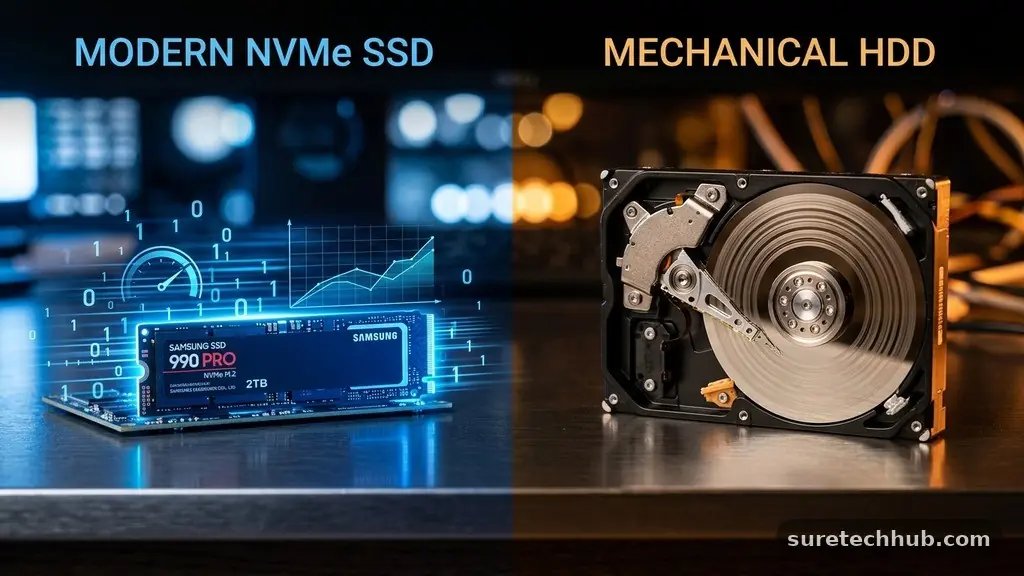
Choosing between an SSD vs HDD: Which storage type makes more sense today depends almost entirely on how you use your computer and what you prioritize. While solid-state drives have become the standard for primary operating systems, traditional spinning hard drives still hold a specific, valuable niche for massive data collections.
Understanding the core technical differences allows you to make an informed decision that balances your budget against your performance needs. This article breaks down the realities of modern storage to help you decide which drive technology deserves a spot in your machine.
The short answer is that for 95% of users, an SSD is the superior choice. If you are running an operating system like Windows or macOS, you should be using a solid-state drive to ensure your computer feels snappy and responsive. Hard drives are now relegated to secondary roles, primarily serving as cost-effective “cold storage” for archives, backups, and media libraries that do not require high-speed access.
The Performance Gap Between Drive Types
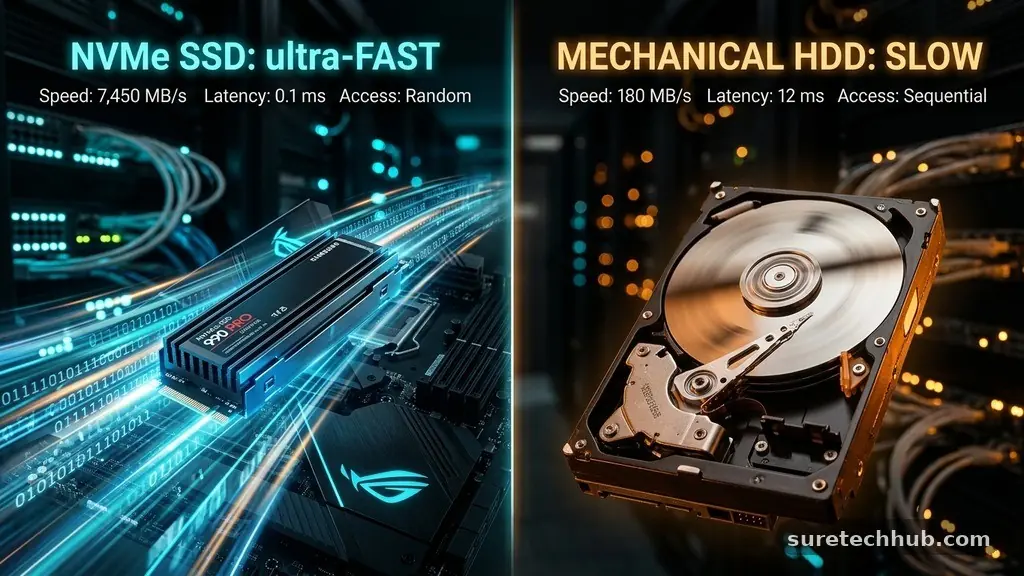
The most significant difference between these two technologies is how they physically read and write data. A traditional hard disk drive uses a mechanical arm and a spinning platter to locate files, which creates inherent latency. When you request a file, the drive must physically move its read/write head to the correct spot on the platter before it can begin transferring data.
Solid-state drives, by contrast, use flash memory to store information, allowing for near-instant access times. Because there are no moving parts to wait for, an SSD can retrieve data in a fraction of a millisecond. This speed advantage is most noticeable when booting up your computer, launching applications, or loading massive game files.
If you are currently running your operating system on an older, mechanical disk drive, switching to an SSD will feel like buying a brand-new computer. You will see system startup times drop from over a minute to just a few seconds. Applications that previously took several clicks to open will appear on your screen almost instantaneously.
Cost Efficiency and Storage Capacity
While solid-state technology is faster, it remains more expensive per gigabyte than mechanical storage. If you need to store several terabytes of high-resolution video, photos, or raw project files, buying that much space on an SSD can quickly become prohibitively expensive. This is where the hard disk drive retains its primary advantage in the market.
For users who need vast amounts of archival space, an HDD is often the only logical financial decision. You can purchase an 8TB or 12TB mechanical drive for a fraction of what a similarly sized solid-state drive would cost. This makes them ideal for building a home media server or a long-term backup system where speed is secondary to total volume.
Many power users adopt a hybrid strategy to leverage the benefits of both. They install a fast 1TB or 2TB SSD to hold their operating system and frequently used programs, then add a large 8TB internal or external HDD to house their massive library of documents and media. This approach ensures you get top-tier speed where it counts without breaking your budget.
| Metric | Solid-State Drive (SSD) | Hard Disk Drive (HDD) |
|---|---|---|
| Primary Use | OS, Apps, Gaming | Archiving, Backups |
| Speed | Extremely Fast | Slow to Moderate |
| Moving Parts | None | Yes |
| Price per GB | Higher | Lower |
Durability and Physical Reliability
Because hard disk drives rely on delicate mechanical components, they are inherently more vulnerable to physical damage. If you drop a laptop equipped with a spinning drive while it is operating, the read/write head can crash into the platter, leading to catastrophic data loss. Even the vibration from a desktop computer case can eventually cause mechanical wear that degrades the drive over time.
Solid-state drives are significantly more resilient because they contain no moving parts. They are far more resistant to accidental drops and bumps, making them the only reliable choice for portable laptops. If you take your computer on the road, the peace of mind provided by solid-state technology is worth the premium price.
However, it is important to note that all storage media eventually fails, regardless of the technology used. SSDs have a limited number of “write cycles” before the memory cells wear out, though for the average consumer, this takes many years of heavy use. You should always maintain a backup strategy regardless of whether you choose an SSD or an HDD, as hardware failure is a matter of when, not if.
Noise and Power Consumption
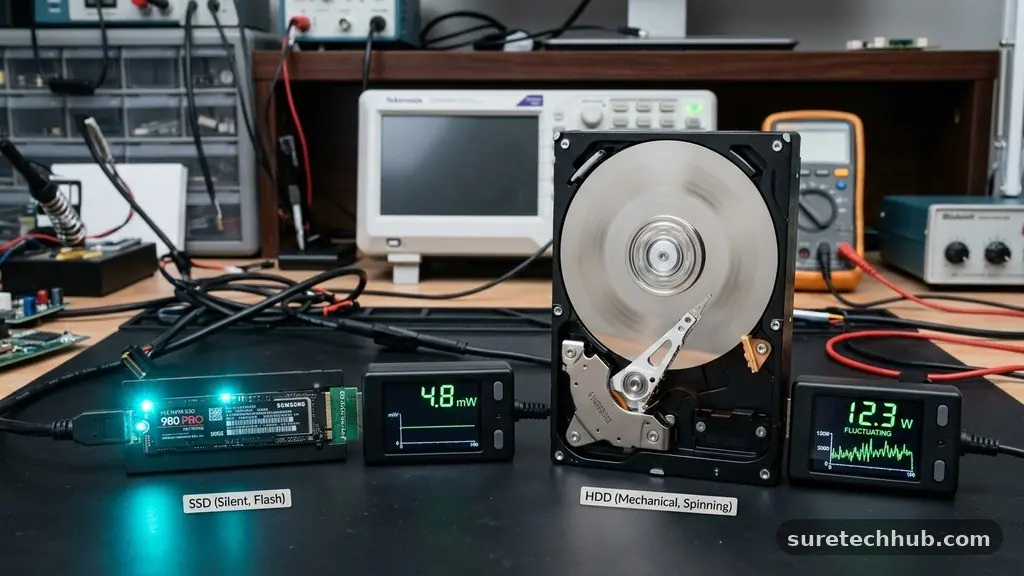
Mechanical drives are often the loudest component in a desktop computer. The sound of the drive spinning up, combined with the clicking noise of the actuator arm moving back and forth, can be distracting for those who prefer a silent workspace. If you are building a quiet home office or a recording studio, this noise can be a major drawback.
Solid-state drives are completely silent because they have no moving parts. They also consume significantly less power than their mechanical counterparts, which is a major factor if you are a laptop user. Using an SSD can help extend your battery life by a noticeable margin, as the drive does not need to expend energy spinning a motor or moving a mechanical arm.
For data centers and enterprise environments, the power efficiency of flash storage is a massive cost-saving measure. While home users might not notice a huge difference in their electricity bill, the reduced heat output of an SSD can contribute to a cooler-running system. Less heat means your cooling fans don’t have to work as hard, further reducing the overall noise profile of your machine.
Key Considerations for Your Next Upgrade
When deciding between these two storage types, you should evaluate your specific workflow. If you primarily browse the web, edit documents, and watch streaming media, a smaller SSD is likely all you need. You don’t need massive amounts of storage if you keep most of your files in the cloud or on a streaming platform.
If you are a creative professional or a gamer, your requirements will be different. Large 4K video files or modern games can easily exceed 100GB each, meaning you will fill up a small drive very quickly. In these cases, you might need a tiered storage strategy to manage your files effectively.
- Assess your total data volume: How many terabytes are you currently using?
- Determine your performance needs: Does this drive hold your OS or just archives?
- Consider the physical environment: Will this drive be in a portable laptop or a static desktop?
- Check your motherboard compatibility: Ensure your PC supports modern NVMe M.2 slots for the best SSD speeds.
- Review your budget: How much can you realistically spend to get the capacity you need?
For more detailed technical specifications on how these drives handle data, you can refer to the National Institute of Standards and Technology guidelines on data storage and security.
Common Questions About Storage Technology
Is HDD still worth it in 2026?
Yes, but only for specific use cases. If you need to store massive amounts of data cheaply, such as long-term backups or media collections, an HDD remains the most cost-effective solution available.
Is SSD really that much better than HDD?
In terms of performance, the difference is massive. An SSD provides a snappier, more responsive experience that makes modern software feel significantly faster than it would on a mechanical drive.
Which has more life, HDD or SSD?
This is a complex question because they fail in different ways. SSDs wear out based on how much data you write to them, while HDDs wear out based on mechanical age and physical movement; both are generally reliable for several years of normal use.
Why is SSD more popular these days than HDD?
The plummeting cost of flash memory has made SSDs affordable for the mainstream. As software becomes more demanding, the performance bottleneck of a mechanical drive has become unacceptable for most modern computing tasks.
Choosing the Right Storage for Your Needs
The choice between an SSD vs HDD ultimately comes down to your personal workflow and budget. For the vast majority of people, prioritizing a fast solid-state drive for your operating system and primary applications provides the best possible return on investment. It transforms the feeling of your computer, turning a sluggish machine into a responsive tool that works at your pace.
If you have a large library of media files or a massive archive of documents, there is no shame in supplementing your setup with a high-capacity mechanical drive. It allows you to store huge amounts of data for a very low price.
By balancing the speed of an SSD with the capacity of an HDD, you can build a storage system that is both high-performing and cost-effective. Evaluate your needs today and pick the solution that keeps your digital life running smoothly.