Best Ways to Protect Your Personal Files From Ransomware
Discovering the best ways to protect your personal files from ransomware is a critical step in safeguarding your digital life against evolving cyber threats. Ransomware remains a persistent danger, encrypting your sensitive data and demanding payment for its release, which makes proactive defense essential for every user.
By implementing a layered security strategy, you can significantly reduce your vulnerability and ensure that even in the event of an attack, your most important documents remain safe and accessible. This article explores actionable techniques, from hardware-based backups to advanced software configurations, that provide reliable, long-term security for your personal digital assets.
The Core Principle of Immutable Backups
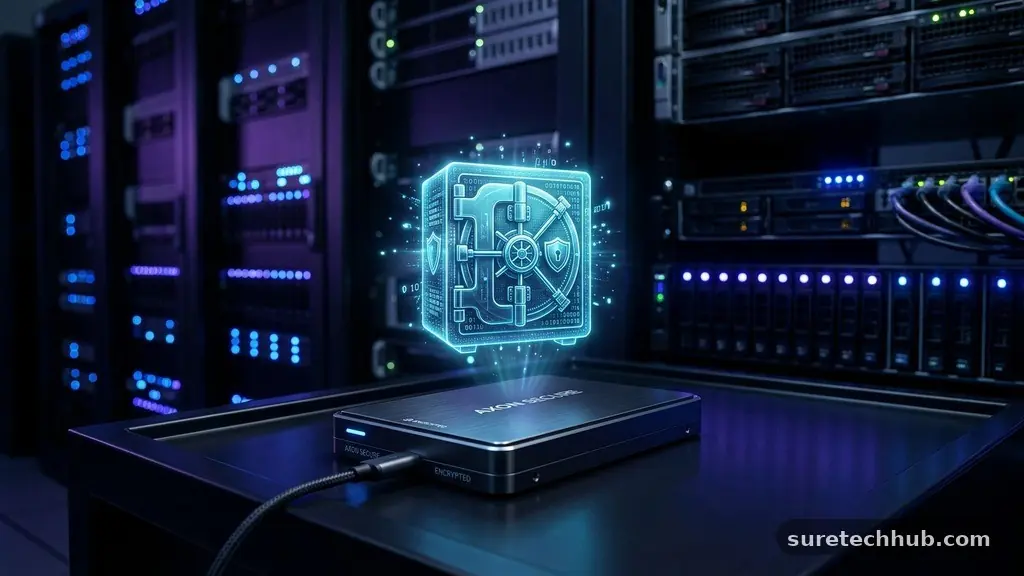
The single most effective defense against any form of digital extortion is maintaining a robust, offline backup strategy. If your data is encrypted by malware, having a clean, disconnected copy allows you to restore your system without ever engaging with attackers. This approach, often referred to as the 3-2-1 backup rule, dictates that you should keep three copies of your data on two different types of media, with one copy stored physically off-site or disconnected from your network.
When you store backups on a hard drive that remains permanently plugged into your computer, that drive is just as vulnerable to encryption as your primary storage. Ransomware is designed to scan for and lock every connected drive, including network-attached storage and cloud-synced folders. To truly secure your files, you must use an external drive that you connect only during the backup process and disconnect immediately afterward.
For high-value files, consider using cloud services that offer versioning, such as those provided by the Cybersecurity and Infrastructure Security Agency. Versioning allows you to roll back your files to a state before they were compromised, effectively neutralizing the encryption. Always ensure that your cloud account is protected by multi-factor authentication, as a compromised password could lead to the deletion of your online backups.
Hardening Your Windows Environment
Modern operating systems like Windows include built-in features that can significantly limit the damage caused by a potential security breach. One of the most underutilized tools is Controlled Folder Access, which prevents unauthorized applications from modifying files in protected directories. By enabling this feature, you create a whitelist of trusted programs that are permitted to write to your Documents, Pictures, and Desktop folders, effectively blocking most ransomware variants from encrypting your data.
You should also regularly audit the permissions and administrative rights associated with your user account. Many users operate with full administrator privileges, which gives any malicious software that executes on their machine the same level of access to the entire file system. By creating a standard user account for daily tasks and reserving the administrator account for system updates and software installations, you create a significant hurdle for malware to overcome.
Keeping your system updated is not merely about gaining new features; it is about patching the security holes that attackers exploit to gain entry. Ransomware often spreads through vulnerabilities in outdated software, browsers, or even the operating system kernel itself. Enable automatic updates for both your OS and your installed applications, as these patches are the first line of defense against known exploits that criminals use to gain a foothold on your network.
Evaluating Security Software Solutions
Choosing the right security software requires looking beyond traditional antivirus programs that rely solely on signature-based detection. Modern ransomware often uses obfuscation techniques to bypass these older scanners, making it necessary to use tools that incorporate behavioral analysis. Behavioral engines monitor the system for suspicious patterns, such as a process attempting to rapidly encrypt multiple documents, and terminate that process before the damage becomes widespread.
When comparing security suites, focus on features that specifically address ransomware threats. Many vendors now include dedicated anti-ransomware modules that monitor file integrity in real-time. These modules are specifically tuned to detect the unique behavior of ransomware, which is distinct from the behavior of legitimate software like word processors or photo editors.
| Feature Type | Basic Antivirus | Advanced Security Suite |
|---|---|---|
| Signature Detection | Yes | Yes |
| Behavioral Monitoring | Minimal | Extensive |
| Ransomware Rollback | No | Yes |
| Cloud-Based Threat Intel | Limited | Real-time |
| Controlled Folder Access | No | Integrated |
As shown in the table above, the primary difference lies in the proactive nature of the software. An advanced suite does not just look for known bad files; it actively watches for malicious actions. Investing in software that provides this level of scrutiny is one of the most reliable ways to protect your personal files from ransomware.
Managing Network and Email Security
Most ransomware infections do not happen through complex hacking but through simple user interaction, such as clicking a malicious link in a phishing email. Attackers disguise their payloads as invoices, shipping notifications, or urgent alerts from financial institutions to prompt a quick, unthinking click. Developing a healthy skepticism of unsolicited emails is your most powerful tool in preventing an initial infection.
Never open attachments from unknown senders, and be wary of files that request permission to run macros. Macros are powerful scripts that can download and execute malicious code in the background, bypassing many email filters. If you are ever unsure about the legitimacy of an email, verify it through an official channel, such as by calling the company directly or visiting their website through a manually typed URL.
Your network security also plays a role in limiting the spread of an infection. If you have multiple computers on your home network, ensure that they are properly segmented using firewall settings. If one machine is compromised, a properly configured network can prevent the malware from moving laterally to infect your other devices or your shared network storage.
Developing a Response Plan
If you suspect your system has been compromised, speed is essential for mitigating the damage. The moment you notice unusual system sluggishness or files that cannot be opened, you should disconnect your computer from both the internet and any local network connections. This prevents the ransomware from communicating with the attacker’s command-and-control server and stops it from encrypting files located on connected network drives.
Once you have isolated the infected machine, you need to assess the scope of the damage. Check your backup status to determine if your most recent files were saved before the infection began. If you are using a cloud service, check the “recently modified” or “version history” logs to see if the files have been encrypted online.
Do not attempt to pay the ransom. There is absolutely no guarantee that the attackers will provide a working decryption key, and paying them only confirms that you are a lucrative target for future attacks. Instead, look for legitimate decryption tools provided by security researchers and law enforcement agencies, which are sometimes released after authorities manage to seize an attacker’s servers.
Frequently Asked Questions
What is the most effective way to identify ransomware on my computer?
The most common signs include a sudden inability to open your files, a notification window demanding payment, or files appearing with unfamiliar extensions. You may also notice your computer becoming unresponsive as the malware consumes system resources to encrypt your data.
Does using cloud storage like OneDrive or Google Drive protect me?
Cloud storage offers some protection through file versioning, which allows you to revert to an earlier, unencrypted state. However, if your computer is synced to the cloud, the ransomware may encrypt the files locally and then automatically upload those encrypted versions to the cloud, overwriting your good data.
Should I pay the ransom if my files are encrypted?
No, you should never pay the ransom. Paying provides no assurance that you will receive a working key, and it directly funds criminal enterprises. It also marks you as a victim who is willing to pay, increasing the likelihood that you will be targeted again.
How do I know if my security software is actually working?
You can verify your security software’s effectiveness by checking its logs for blocked threats or by running controlled tests via reputable security testing sites. Ensure that all real-time protection features are toggled to the “on” position within your software settings.
What is the best way to protect your personal files from ransomware if I am a home user?
The best strategy is to maintain an offline, disconnected backup. By ensuring that your most valuable data exists on a physical drive that is not connected to any computer, you create a permanent sanctuary for your files that no malware can reach.
Final Thoughts on Digital Safety
Securing your personal data requires a combination of technology and vigilance. By prioritizing offline backups, hardening your operating system, and maintaining a critical eye toward email attachments, you build a foundation that is incredibly difficult for attackers to breach. These habits might take a few minutes to establish, but they provide peace of mind that far outweighs the effort.
The best ways to protect your personal files from ransomware are not about purchasing the most expensive software, but about building consistent, reliable habits. Start by creating a backup schedule today and testing your restoration process to ensure it actually works. Your digital files hold your memories and your work, and taking these small steps today ensures they remain under your control for years to come.